Methodology
No Marketing. Proven results.
Here is exposed the 4 steps of the PingCastle methodology which has been designed based on our experience putting hundreds of domains under control.
Our promise: budget and management support for Active Directory security.
Step 1: Understand the stakeholders
There are two main stakeholders in the Active Directory landscape: the IT Management which is holding budget decision and the IT Operations which ensure that the Active Directory stay up and running.

IT Management: their needs

IT Operations: their needs
Assess the Current security level
The management needs to benchmark the AD security level with their peers. This allows us to know if they need to invest much or less on this topic.
Avoid the presence of Critical Risks
There is no such thing as an audit report escalated with critical vulnerabilities. They expect a very close follow up on this.
Get advice to prioritize the items in the Action plan
What is the cost of doing that or that? Management has to arbitrate with many topics and if they agree that everything should be done, there is a limit in the budget they can spend. And they have to share it with so many subjects.
Detect critical security issue
IT Operations are accountable for the availability of the system. They need to avoid any trouble that can result in the unavailability of the system.
Overview of the technical situation
Technical management is a tough job and unfortunately, problems happen on unsupervised areas. The more tool they have to have a global vision, the better it is.
Guidance & Advices to fix issues
You got a problem? Ok, but how to fix it? While it is easy to write that you have to switch this button, in practice, it is more complicated than that. What will be the impact? Can we test the change? What is the risk of unavailability if the change did fail? Can we rollback easily?
Maturity based Improvement
The management needs a tool to translate the data into risks for risk based approach. The Operations need a tool to solve problems and increase the operation level. This is called maturity assessment.
Step 1: Prepare the battle plan
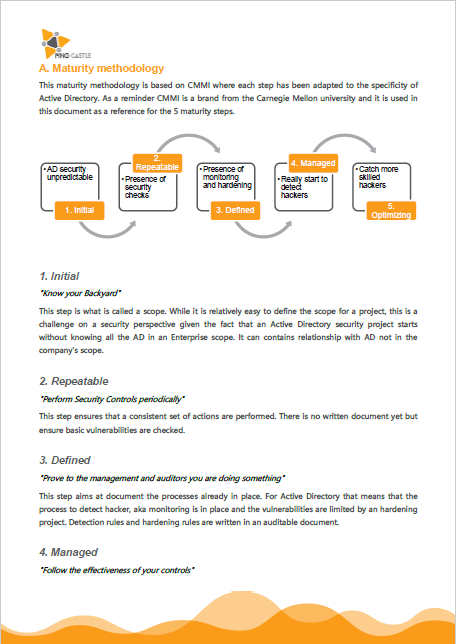
Inspired from CMMI
The document below describes the methodology and set of questions you can use to assess your level.
Step 3: “Know your Backyard”
The goal is to reach the Level 1 of the maturity model by defining the “scope”. The scope can be considered as the set of domains to put under control and in order to define it, there need to be a discovery phase. Here are the 3 key areas to question:
Domain coverage
Do you actually know how many domains you have in your Active Directory?
Ownership
Are you sure that all your domains are actually monitored by someone?
External Trusts
Are you aware that your domains are exposed on the Internet without protection?
Focus on domain discovery to get management support
The idea is to avoid forgotten domains or trusts that belong to external companies on which you have no control.
Key decisions to take:
- Deploy the tool on 100% of the domains at least once
- Assign all domains found to an owner
- If it is not possible to get ownership, remove the trust to these domains
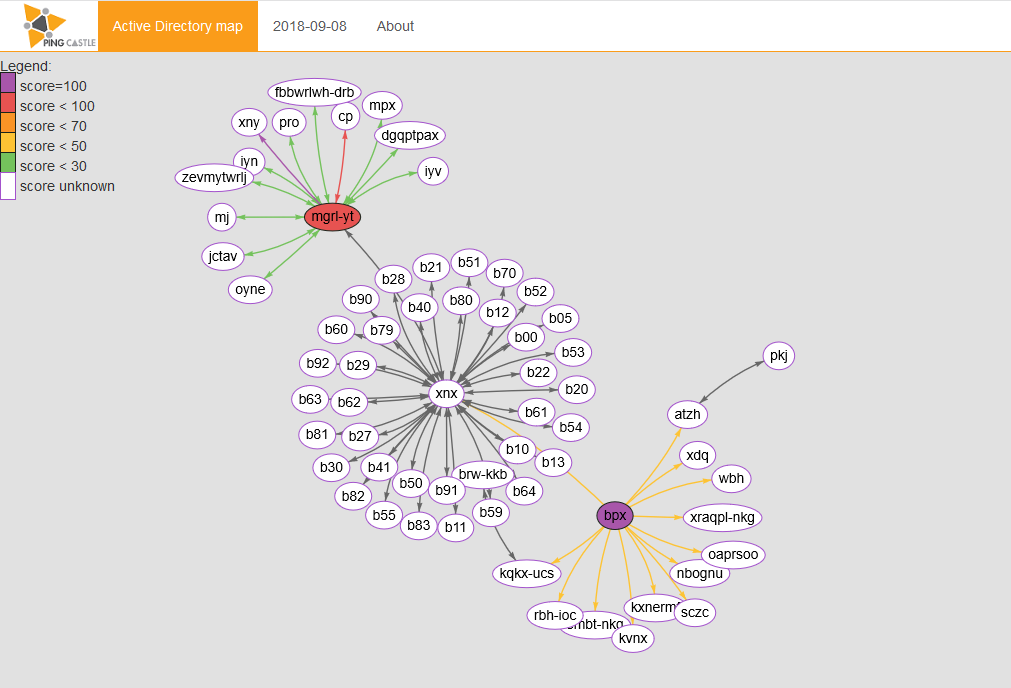
Active Directory map
Check out how to build a map of your domain with PingCastle
The two main activities on this step are the map and the reference file. While the reference file is just an Excel file based on a template, the map can be built quickly with the carto mode or by aggregating many health check reports at once.
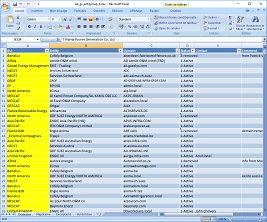
Ownership assignment
Check out how to document the ownership of each domain and reuse this information in reports.
Internal trusts
Risk score control
Put in place governance to get budget
Key decisions to take:
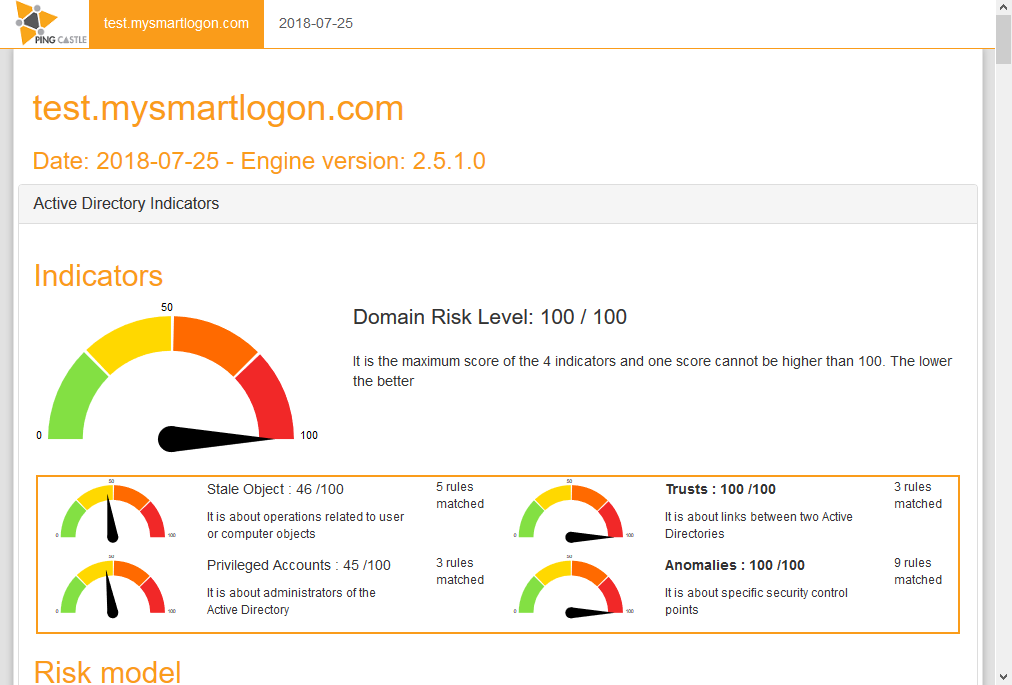
- Get health check report every week
- Request the implementation SID Filtering on 100% of the trusts except official migrationsr
- Set an objective on risk score reduction (30 for example)
Health Check