Documentation
This is how you can get things done.
How to produce PingCastle reports
Click on an icon to see how reports can be generated. The following page describe the
requirements, the process. Examples can be downloaded.
How to use PingCastle
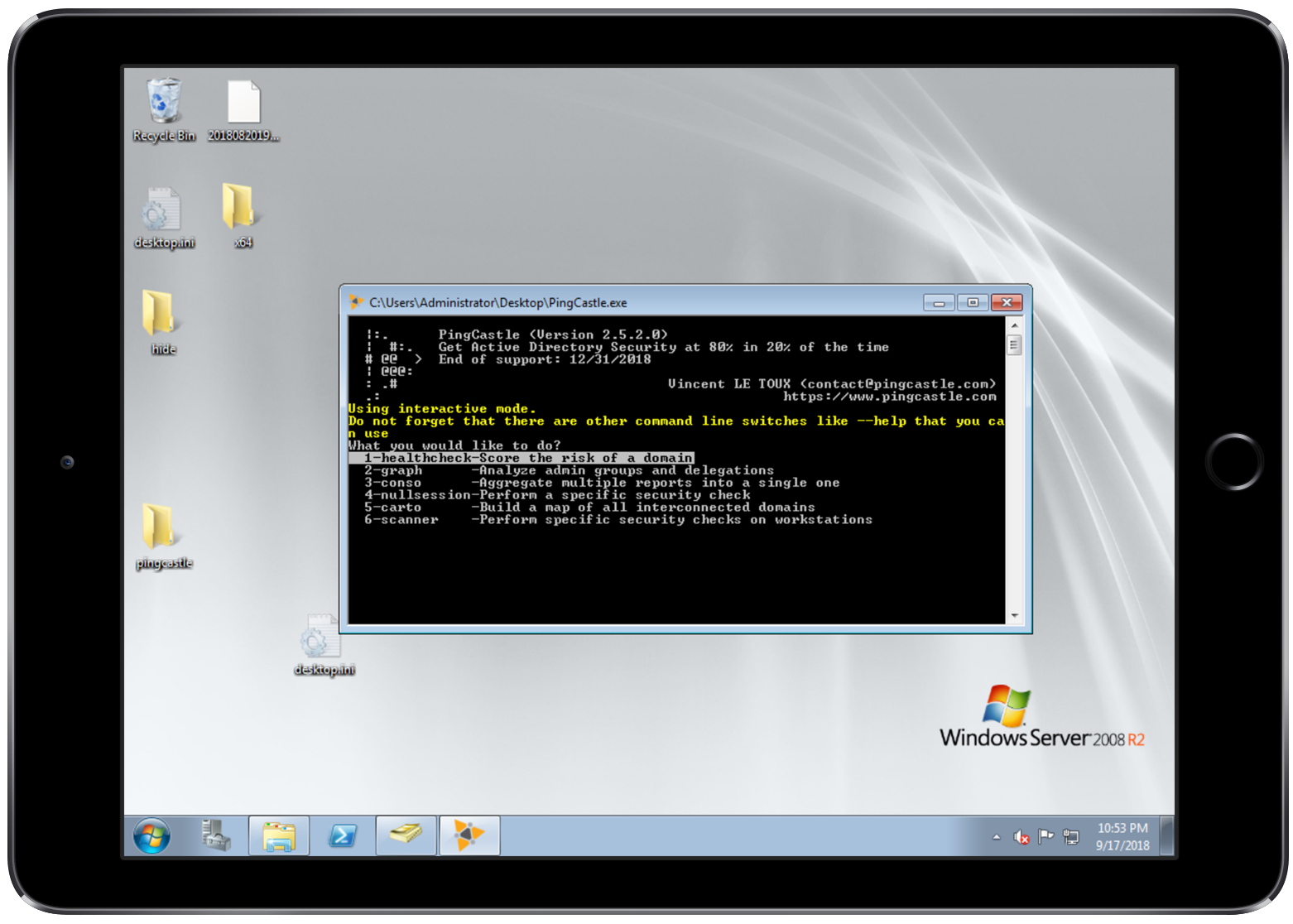
Install
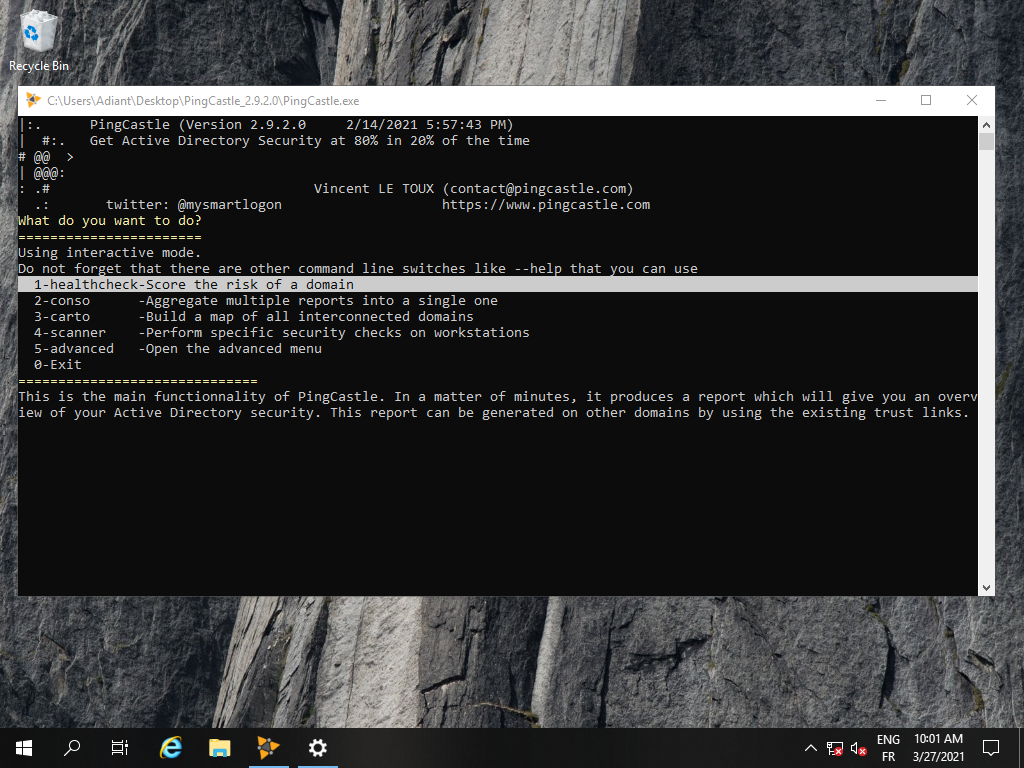
Run PingCastle
See how to run the program in interactive or command line mode
Quick Start
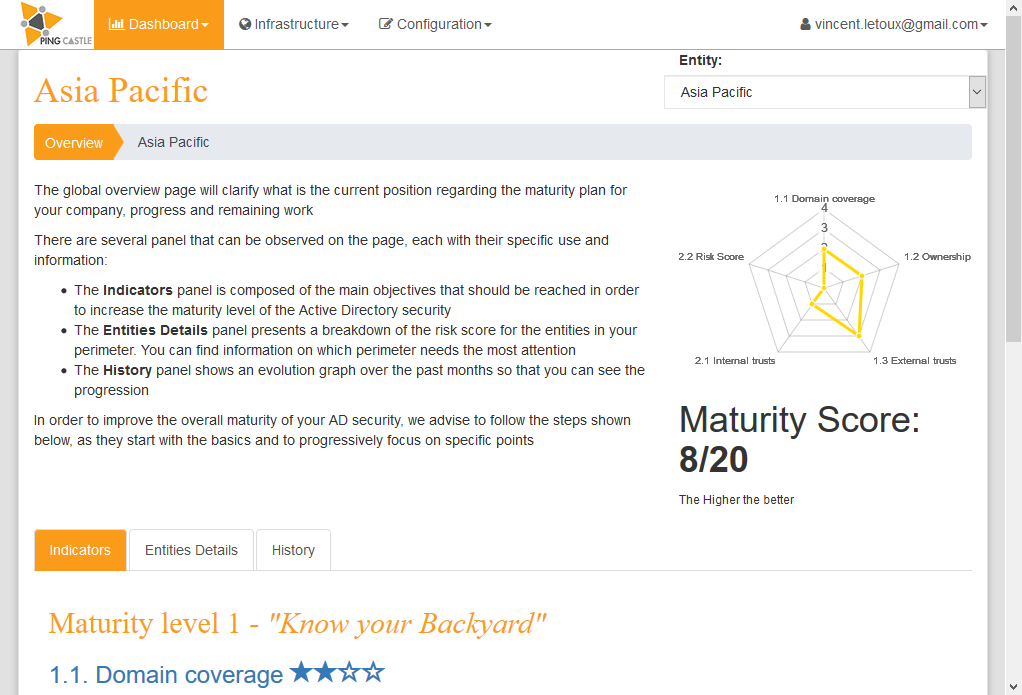
Health Check
This is the default report produced by PingCastle. It quickly collects the most important information of the Active Directory and establish an overview. Based on a model and rules, it evaluates the score of the sub-processes of the Active Directory. Then it reports the risks.
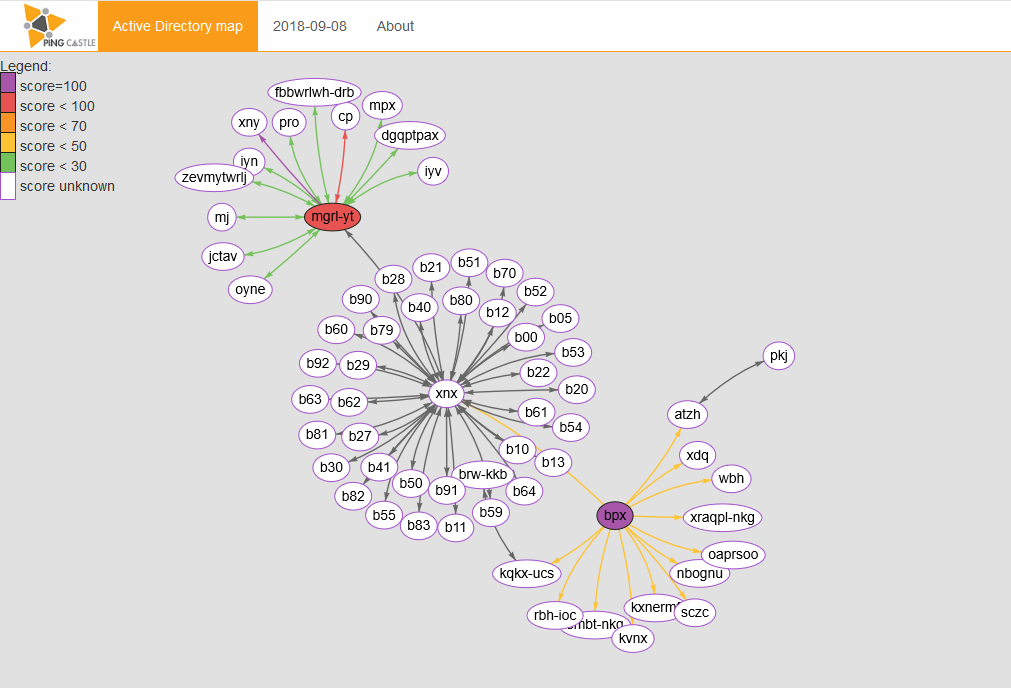
Active Directory map
This report produce a map of all Active Directory that PingCastle knows about. This map is built based on existing health check reports or when none is available, via a special mode collecting the required information as fast as possible.
Without business context input
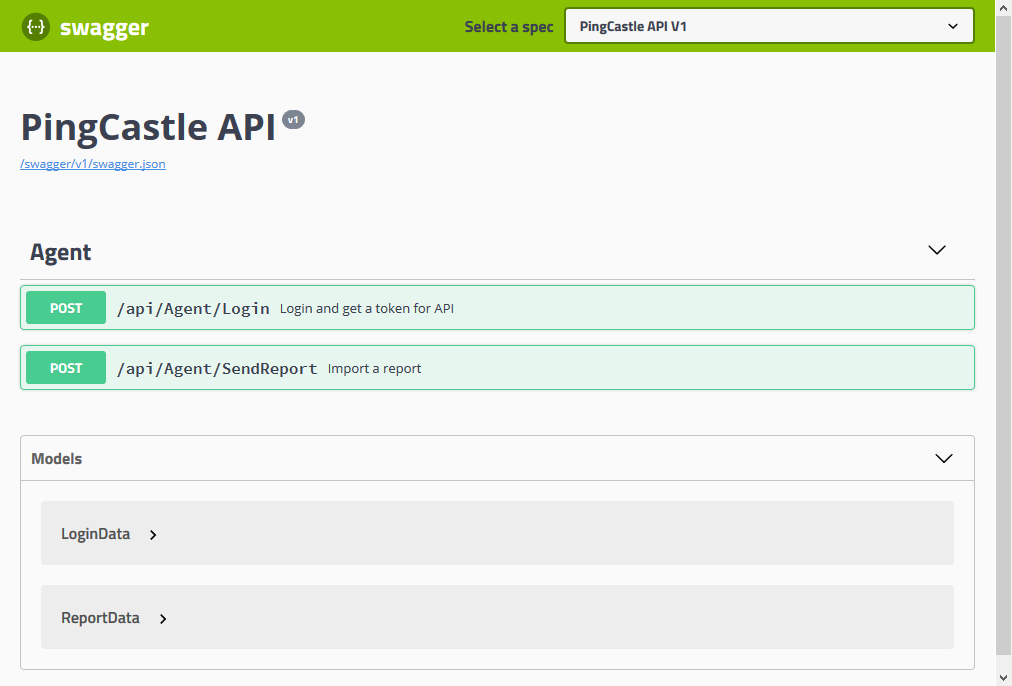
Deploy and collect reports
Monitoring domains from a bastion can be easy. But for those without network connection it might be difficult. There are many deployment strategies available with PingCastle.
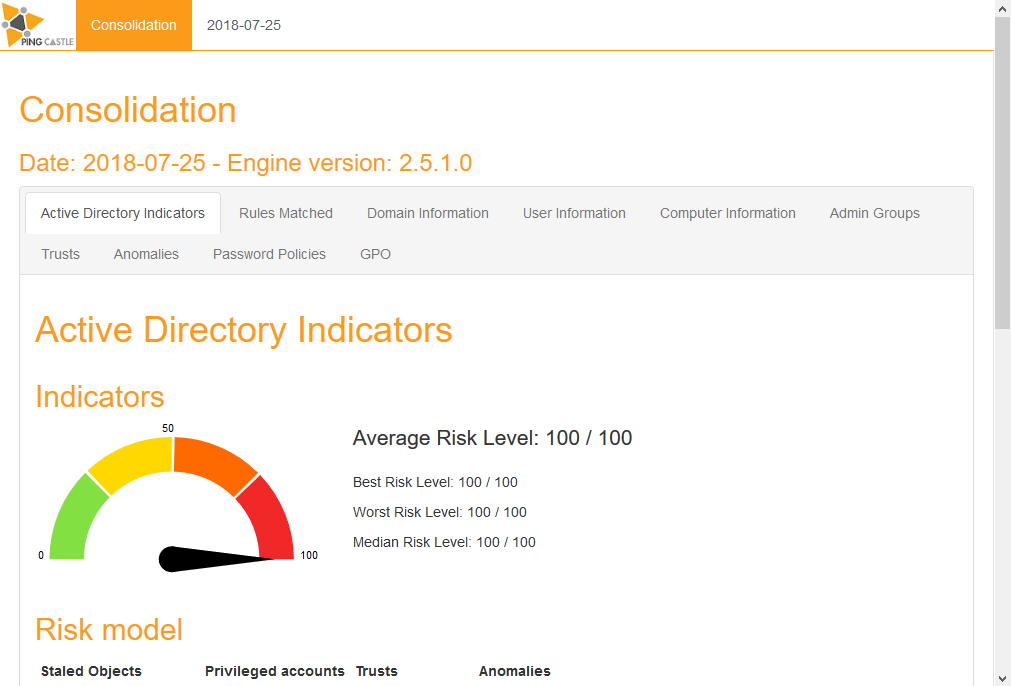
Consolidation
When multiple reports of PingCastle have been collected, they can be regrouped in a single report. This facilitates the benchmark of all domains.
Frequently Asked Questions
Here is the answers to the most frequently asked questions .
What is the local requirements to run PingCastle?
PingCastle requires the dotnet framework 2 for the report generation. The reporting program requires the dotnet framework 3 to use the OpenXML library. Consequently Operating Systems starting from Windows 2000 are supported.
What is the domain requirements to run PingCastle?
PingCastle requires a network connectivity to the domain such as LDAP (tcp/389), ADWS (tcp/9389), SMB (tcp/445) and authorization to connect on the domain which is granted by default to local domain accounts or accounts from trusted domains.
Is PingCastle GDPR Compliant?
Where can I find the list of rules used during an assesment?
Are you collecting any information?
PingCastle does not collect any other information that the one written in the report. No internet connectivity is required except if you want to verify the signature of the binaries.
Does PingCastle work in unconnected network?
Yes, PingCastle does not requires an internet connection. Further more the machine readable report can be encrypted using a RSA key which is suitable for email transfer.